Globalscape EFT
An award-winning, best-in-class managed file transfer solution
Effective with the 8.0.7 release, Globalscape EFT Express and EFT Enterprise have been combined into a single entity, Globalscape EFT. Learn More.
What is Globalscape EFT?
Globalscape Enhanced File Transfer (EFT) is a best-in-class managed file transfer (MFT) solution for enterprises with complex and mission-critical file transfer requirements. Globalscape EFT secures, manages, and tracks data transferred between people and applications both inside and outside your organization.
Why Use Globalscape EFT?
Enhanced file transfer solutions like Globalscape are secure, enterprise-level solutions that facilitate the administration, scheduling, and monitoring of file transfers. Globalscape EFT can reduce complexity of your file transfer infrastructure, increase operational efficiency, and protect your most important data.
Key Globalscape EFT File Transfer Results
Anchor ID:
#key-globalscape-eft-file-transfer-results-3496
- Create automated workflows without scripting
- Send large files quickly over high-latency networks
- High availability deployment options ensure uptime for your mission critical systems
- Deploy on-premises, in the cloud, or as a hybrid configuration based on your business requirements
- Two-factor authentication, folder monitor, scheduled transfers
- Integrate with Active Directory, SharePoint, Microsoft Excel, SQL Server, and others
- You can be up and running in hours instead of days
- Easy administration and end-user interfaces

Increase IT Operations Efficiency with EFT File Transfer Automation
Anchor ID:
#increase-it-operations-efficiency-with-eft-file-tr-20120
Delivering data using manual processes is vulnerable to workforce limitations, vacations, turnover, and simple human error. Automation allows you to deliver data without manual intervention, saving time and avoiding potential errors. Globalscape EFT enables you to streamline business processes without limitations imposed by legacy systems and applications. Globalscape EFT’s automation capabilities set it apart from every other MFT solution on the market.
Some organizations have seen a 7x return on their investment from choosing Globalscape EFT.
Ensure Uptime for Your Critical File Transfer Processes
Anchor ID:
#ensure-uptime-for-your-critical-file-transfer-proc-20121
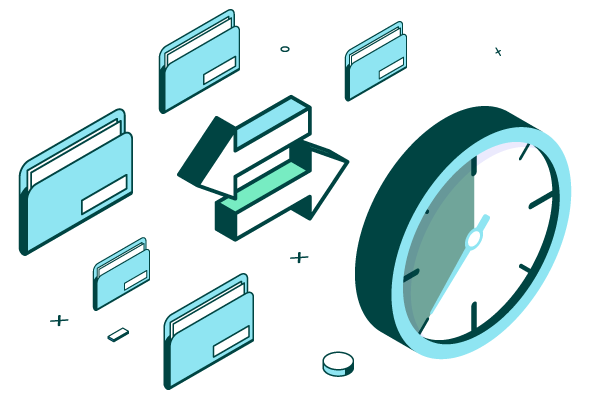
Your file transfer infrastructure is vital to your business processes. Globalscape EFT can be deployed in an active-active highly available cluster. With Globalscape EFT you can have confidence that you can scale horizontally to increase throughput or ensure non-stop uptime of your business critical systems.
Anchor ID:
#reviews-for-globalscape-eft-20126
"The EFT solution allows our organization to build a service model that is flexible and secure, ensuring that we meet all regulatory and compliance requirements to safeguard the data in and out of the organization."
"I use Globalscape Enhanced File Transfer to move huge files securely within and outside the network daily. The Advanced Workflow Engine interface integration with other application interfaces such as Microsoft SharePoint is superb."
"[Globalscape EFT] software provides an easy to use interface for simple operations, but contains options to perform the most sophisticated file transfer tasks. Security, scripting, and reporting all readily available in a compact GUI."

Deploy On-Premises or in the Cloud
Anchor ID:
#deploy-on-premises-or-in-the-cloud--3516
The demands of your business are unique and ever changing. With Globalscape EFT you can be assured that you can meet the future requirements of your business. Globalscape EFT can be deployed behind your own firewall, in a private cloud or in AWS or Azure.

Meet Compliance Mandates for Managed File Transfer Systems
Anchor ID:
#meet-compliance-mandates-for-managed-file-transfer-3521
Globalscape EFT ensures the highest levels of compliance with government and corporate security policies and privacy regulations, such as PCI DSS, FIPS 140-2, HIPAA, CCPA, and SOX. Globalscape EFT is trusted by some of the largest enterprises and organizations across the world to protect their mission-critical data.
Secure Your File Transfers
Anchor ID:
#secure-your-file-transfers-3526
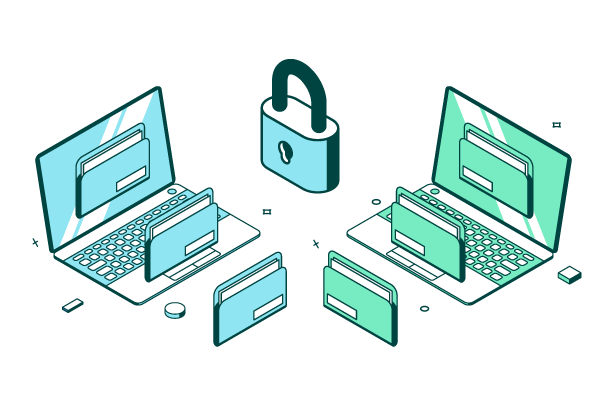
Globalscape EFT enables your organization to securely manage file transfers among worldwide offices, clients, and partners using industry-standard Internet protocols such as HTTP, HTTPS, FTP, FTPS, SFTP, and AS2, providing the flexibility needed to meet the specific requirements of vendors, business partners, and customers, and makes secure web-based file sharing simple.

Integrate with Popular Authentication Measures
Anchor ID:
#integrate-with-popular-authentication-measures-3531
Globalscape EFT provides support for easy-to-use authentication methods, including smart card, single sign-on, and multi-factor authentication options.
Anchor ID:
#discover-top-globalscape-eft-features-20275
Secure ICAP Gateway
Workspaces Module
See GlobalSCAPE EFT in Action
Anchor ID:
#see-globalscape-eft-in-action-18786